Your first week on Florio
Florio is the operating system for your whole studio, so the first week is about moving in, not learning software. Here is the honest order of operations. Most studios are sending real proposals within a couple of days, and you do not have to finish everything at once.
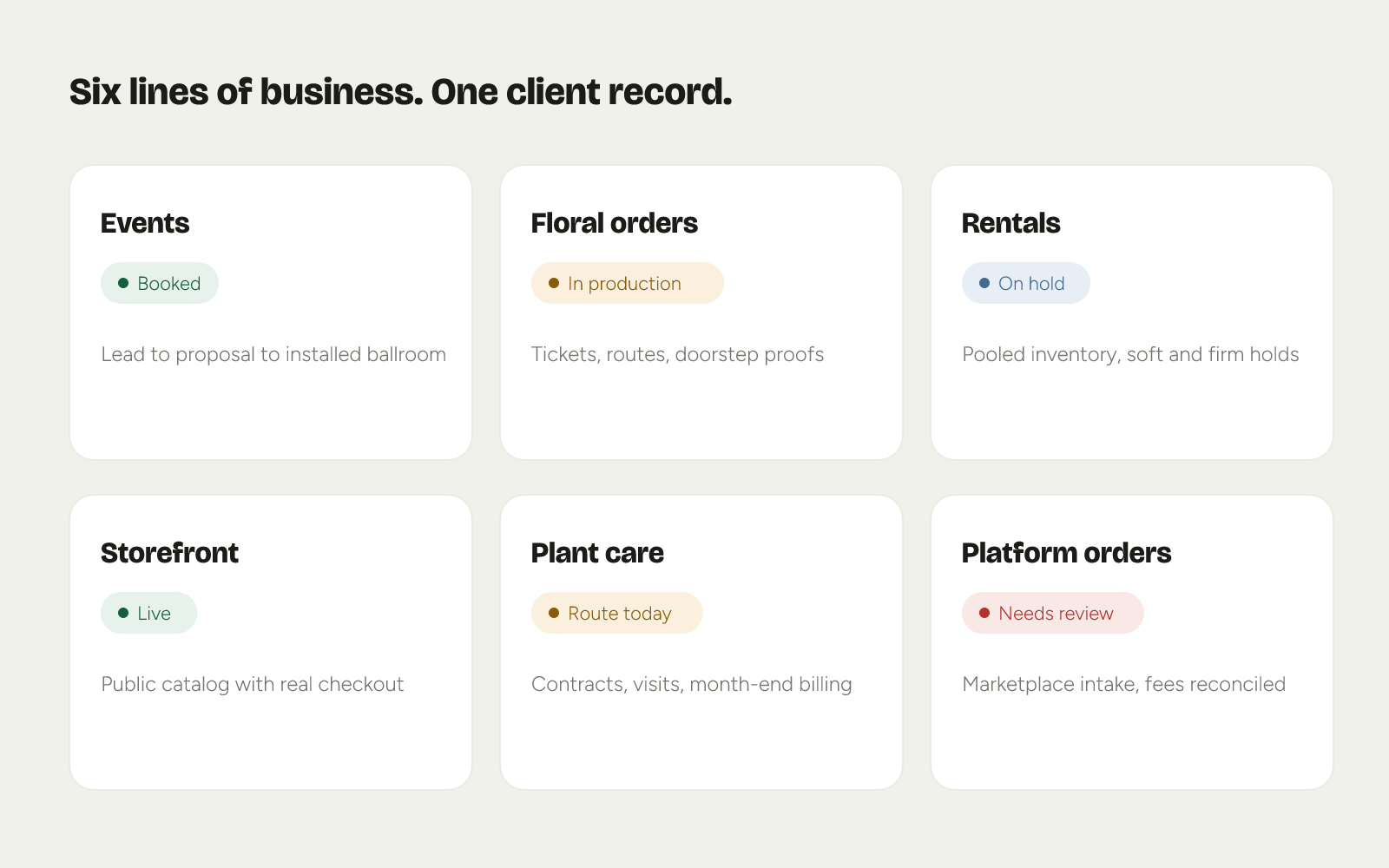 Product mockup; data illustrative.
Day 1: Connect Google
Connect your Google Workspace first. It is the single step that makes the most of Florio light up at once.
- Email starts landing on the timeline. Client threads file themselves against the right client as they happen, with no BCC address to remember. Florio can backfill years of past correspondence so day one starts with context, not a blank slate.
- Your calendar becomes bookable. Booking links read your team’s real availability, which you will use later in the week.
See How Florio handles your email and calendar for the full picture.
Day 1 to 2: Seed your catalog
Your catalog is your price book: the flowers, hard goods, arrangements, and rental items you sell, entered at cost so the margin math works from the very first proposal.
- Start with the twenty or thirty items you quote most. You can grow the rest as you go.
- Moving off spreadsheets? Our team can carry your clients, contacts, and catalog over for you as a one-time data migration, included with an annual Full House plan.
- Have years of event photos? A photo-library import turns them into a searchable library that makes every proposal look like your own work.
Day 2 to 3: Send your first proposal
This is the moment Florio earns its keep. Draft from your consult notes, pull real photos of your past work into the proposal, and price it from the catalog you just seeded.
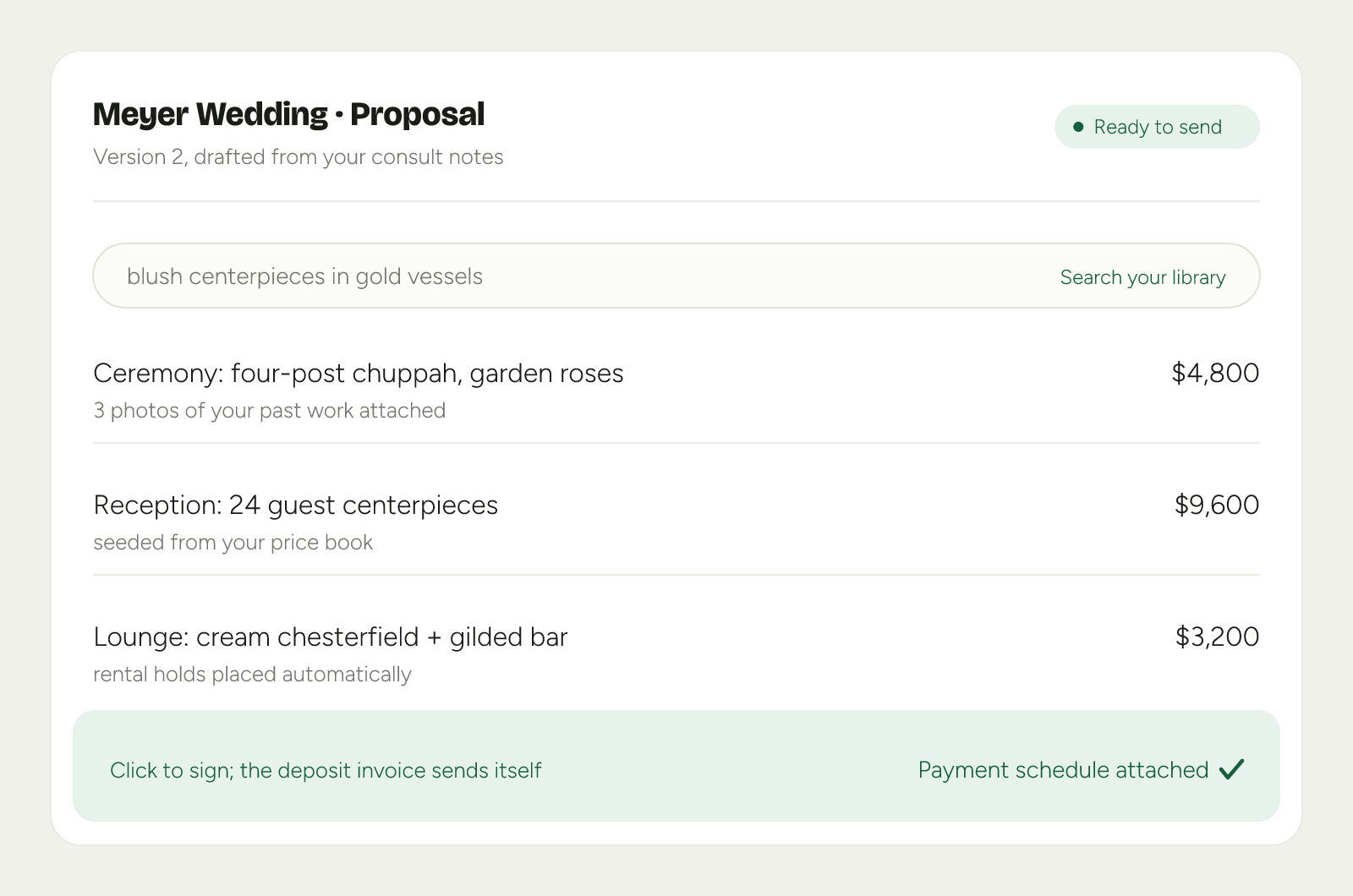
- The scorecard checks it before it sends. Costs and labor go in first, and the selling price is measured against your target margin. See The margin scorecard.
- Sign here, paid there. Send for signature with a payment schedule attached; the deposit invoice sends itself and the date blocks on the calendar.
Day 3: Share a booking link
Stop trading emails to find a time. Share a booking link that reads your real calendar, or drop three genuinely open slots into an email you are already writing. The client picks one, it lands with a video link, and the reply timer clears itself.
Day 4 and on: Prove a delivery
Put the app in your driver’s pocket. They follow the route, capture a photo at the door, and the proof lands on the client’s timeline with a timestamp. When someone asks “where are my flowers?” the answer is one look, not a phone call.
You are running on Florio
By the end of the week you have email on the timeline, a catalog that prices your work, a signed proposal with its deposit scheduled, meetings that book themselves, and delivery proof filed against the job. Everything after this is just more of your business moving onto one client record.