Troubleshoot the QuickBooks connection
The integration is built to fail loudly and recover on its own: brief outages retry themselves, anything that needs a person sends an email, and nothing is ever silently dropped. This page covers the handful of situations worth knowing before they happen.
You got the sync-paused email
An email titled “QuickBooks sync paused” means Intuit rejected the connection and it needs a person to sign in again. That happens for ordinary reasons: a changed Intuit password, a security review on Intuit’s side, or a connection unused long enough to expire. It is not data loss; everything waits.
-
Go to Admin, then QuickBooks.
-
Click Connect to QuickBooks and sign in, exactly like the first connection.
-
Done. Paused syncing and any waiting posts resume on their own.
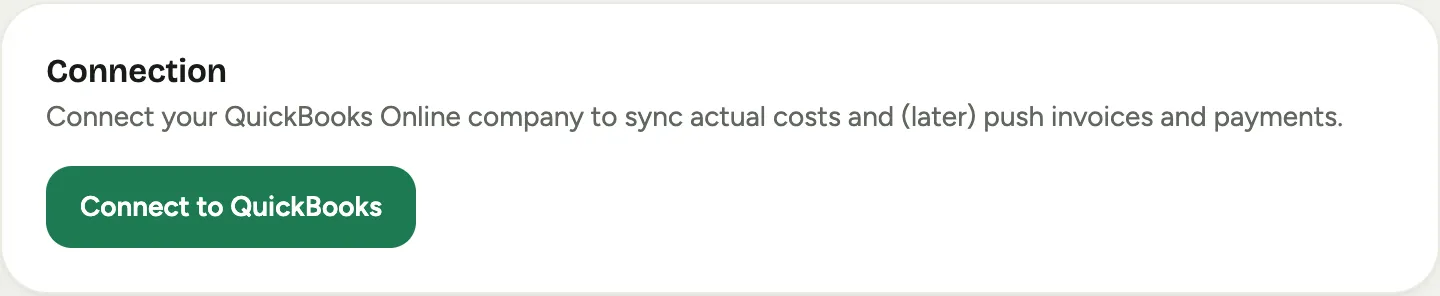 Screenshot from a demo workspace; data illustrative.
A momentary Intuit outage never sends this email: brief errors retry automatically and the sync resumes by itself. The email means reconnection genuinely needs a human.
An invoice has not appeared in QuickBooks
Work down this list; the answer is almost always in the first four:
-
Is posting on? Check Admin, then QuickBooks: the Enable posting to QuickBooks (writes) box on the Connection card. While it is off, nothing posts and every push button says so.
 Screenshot from a demo workspace; data illustrative.
 -
For an order: did it reach a trigger status? Orders post when they reach a status ticked under Auto-push orders to QuickBooks. An order still in production has simply not posted yet.
-
For an event: when was it signed? Events signed before the go-live cutover date are never billed automatically; they stay with your manual process by design.
-
Check the record’s own QuickBooks panel. It shows the last attempt and, if a post failed, the reason: most often an unmapped item or an unlinked customer, and the readiness card names the same gap. Fix the mapping and push again from the record.
-
Still nothing? The record’s activity feed logs every push attempt and failure with its time. If what you see there does not explain it, contact us with the record’s Florio number through the request form.
A document looks doubled
Florio never duplicates its own documents: it recognizes them by document number and re-posts are adopted, not repeated. A doubled document is almost always a hand-entered copy of something Florio also posted. Going forward, the fix is the hand-entry rule: stop hand-entering Florio sales, and when you must, put the Florio number in the description or memo so Florio links it instead of competing with it. For the copy already in your books, resolve it with your accountant as you would any duplicate entry.
The card shows a sync error
The Connection card surfaces the most recent sync problem under Last error, and the sync state next to each feed. Transient errors clear themselves on the next pass. An error that persists across a day, with the connection showing Connected, is worth sending to us through the request form; include the error text.
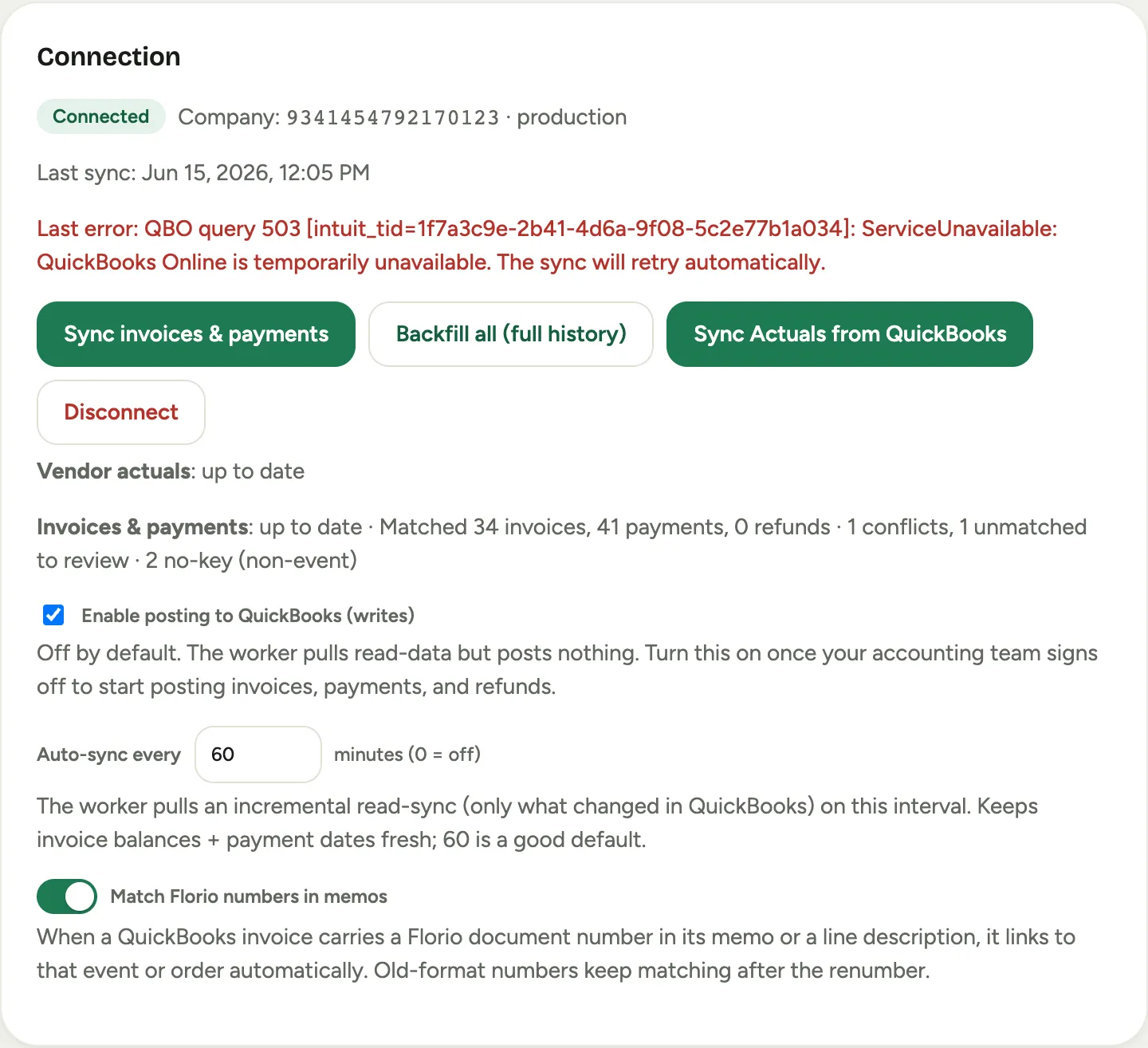 Screenshot from a demo workspace; data illustrative.
Who to contact
- Mappings, tax questions, what-should-post-where: your accountant, with the setup journey open. Every posting decision is on those screens.
- Your Florio instance itself (the tab says QuickBooks is not configured, sign-in problems): whoever operates your Florio server.
- Anything that looks like a Florio defect: us, through the request form, with the record’s Florio number and a screenshot of the panel or error.