Prove a delivery
The last ten feet of a delivery is where trust is won or lost. Florio files the evidence against the order the moment it is captured, so “where are my flowers?” and “that is not what I ordered” both have an answer that already exists.
Before you start
Proof lives on the order record, in the Proof photos & signature card. Adding to it needs a sign-in that can edit orders in the browser, or the delivery photo permission when the driver is using the Florio phone app. If your drivers work from their phones, that permission on the driver role is the one to check.
Steps
- Open the order, from the delivery card or from search, and scroll to Proof photos & signature. It has three columns: Finished arrangement, At delivery, and Customer signature.
- Before it leaves the shop, add + Photo of finished piece. This is the one people forget and the one that settles the most arguments, because it separates “made wrong” from “damaged in transit”. Adding it also finishes the build, so the order moves to Ready.
- At the door, add + Delivery photo. Taken on a phone, it carries where it was taken, shown under the photo as View on map with the accuracy in meters.
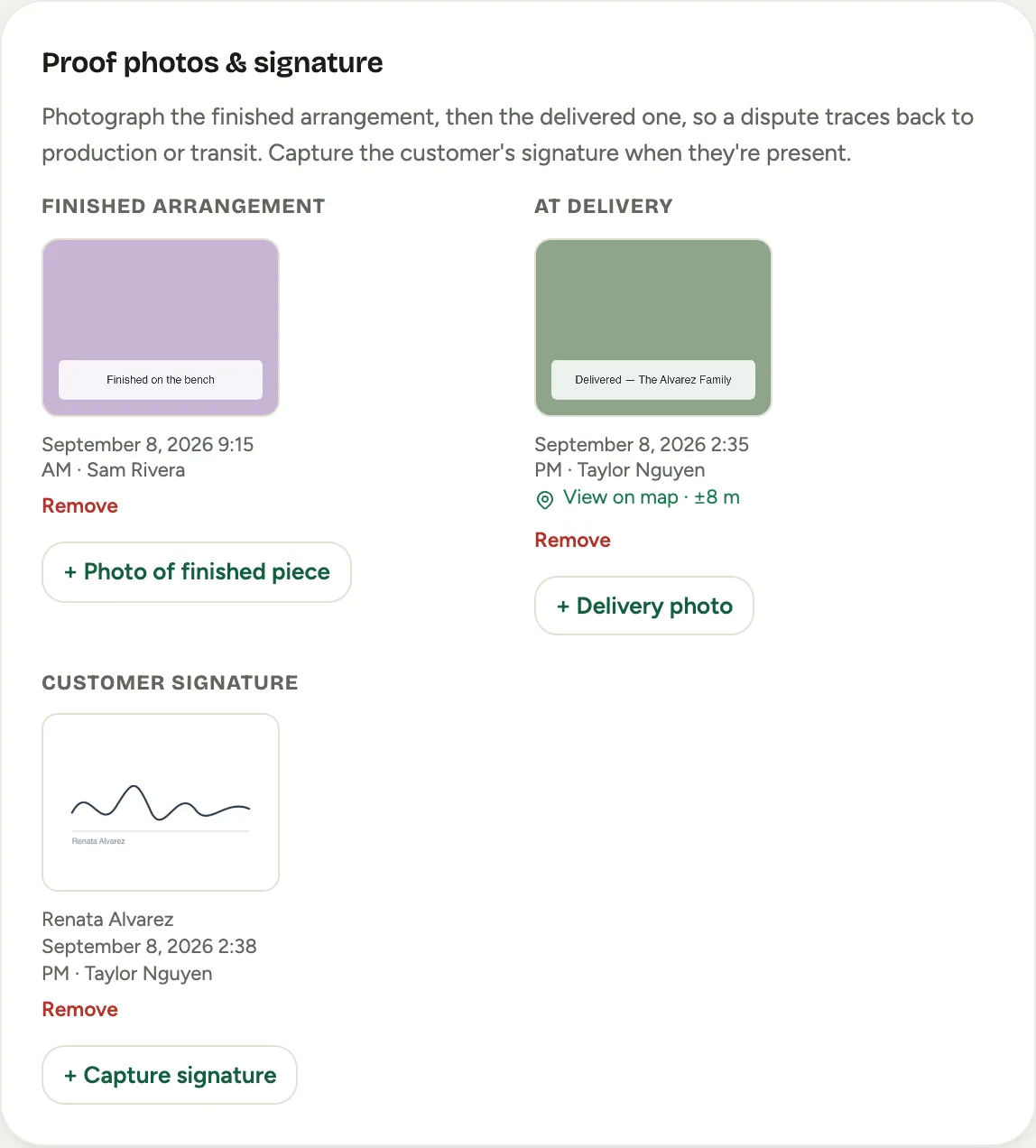 Screenshot from a demo workspace; data illustrative.
- If the customer is there, press + Capture signature. Enter the Signer’s name, have them sign with a finger, and press Save signature.
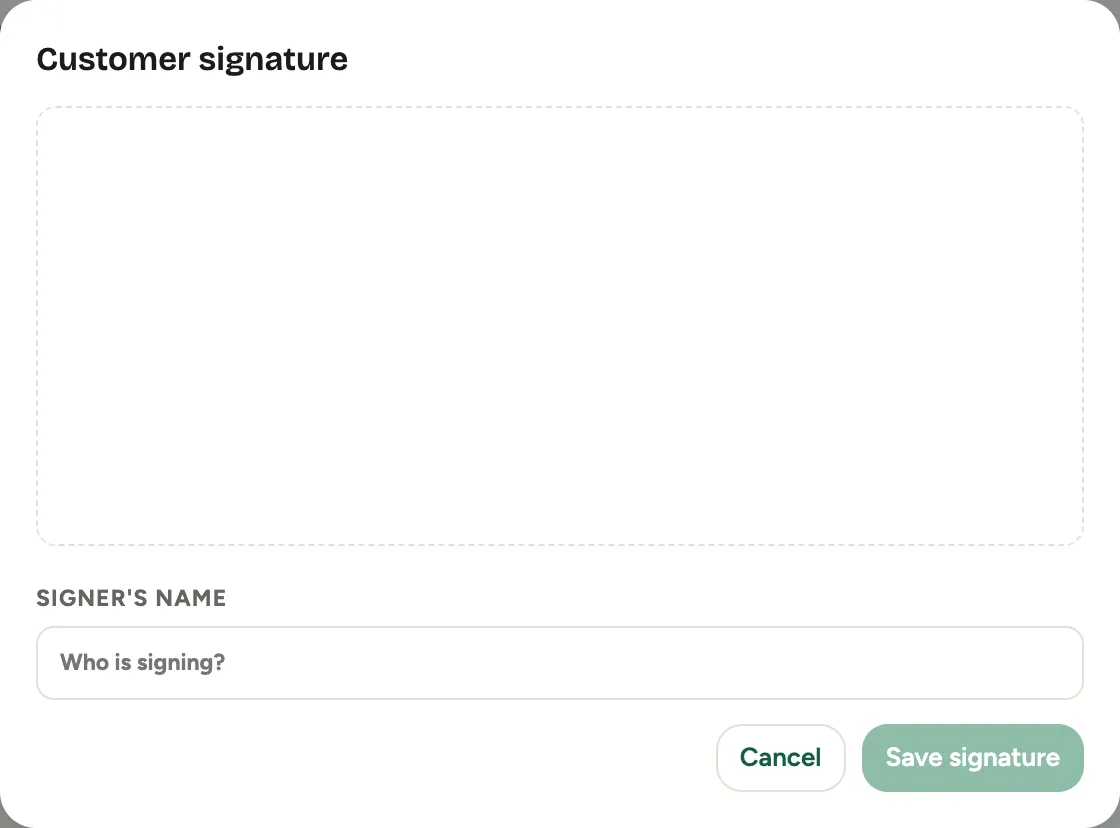 Screenshot from a demo workspace; data illustrative.
- There is nothing else to press. The delivery photo, or the signature if it comes first, finishes the delivery: the order moves to Delivered and the stop leaves the delivery queue. The proof stays on the order and on the customer’s timeline.
Good to know
- Bad signal does not stop you. A photo taken on cellular uploads a working copy straight away and the full resolution original when the phone is next on Wi-Fi, so a loading dock or a cooler never blocks a driver. The card marks a photo that is still waiting for its original.
- Photos are removable, not silently. Remove takes a proof off the order, and the removal is recorded in the order’s history, so proof cannot quietly disappear.
- Removing a photo does not undo the delivery. It corrects the photo, not the delivery. If an order was marked delivered by mistake, move it back from the order’s status.
- A signature needs a name. Florio will not save one without it, because an unattributed scribble proves nothing.
- Not every stop gets a signature. A photo at the door with a location and a time is the everyday standard; the signature is for when someone is there to give one.
- Where this fits: Run the delivery queue and Native apps and boards.