Build an order on the bench
A florist’s day is a list of things to make. Florio gives you two views of that list: the Production queue, which is the shop’s, and My bench, which is yours. This is how a build runs from the queue to done.
Before you start
You need a Florio sign-in that can see tasks. Seeing the queue and the bench is one permission; claiming and moving work is another, so a role set up for viewing only will see the cards without the buttons. An order reaches the queue once it is released to production: by Release to production on the order, by payment in full, or on arrival from an online order platform. Until then it is not on the queue at all, so a half-taken order never turns up as work.
Steps
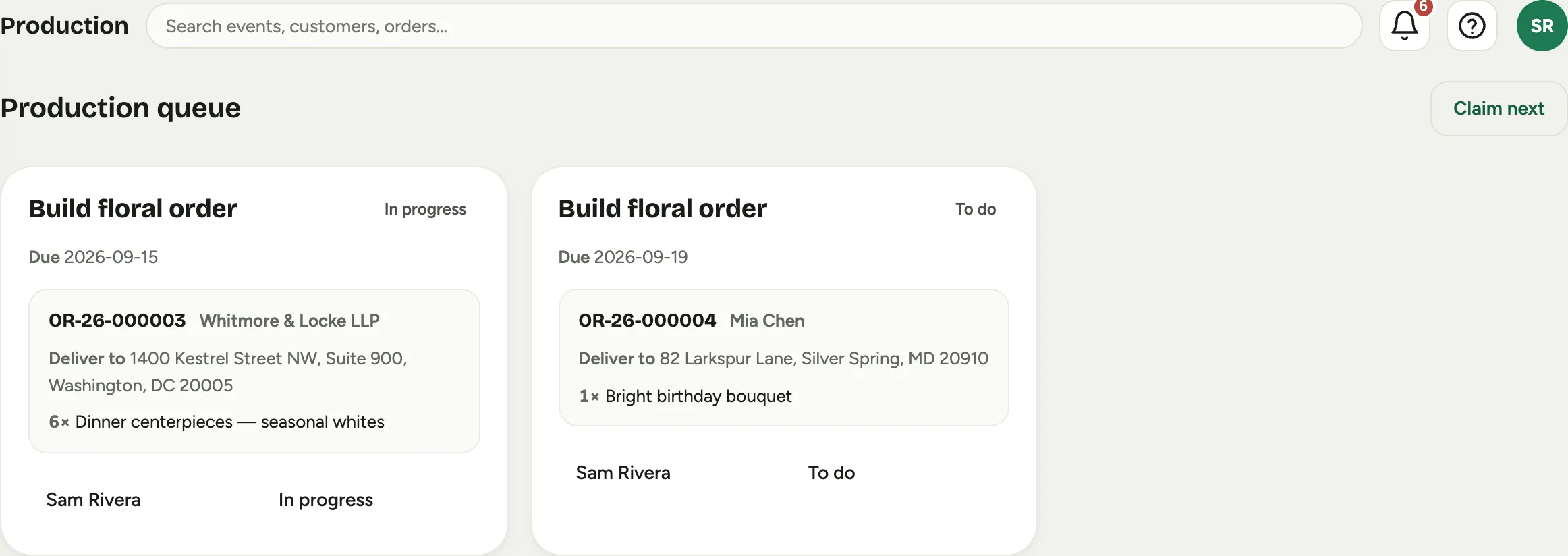
- Open Production. Every card is one Build floral order task, with the order number, the customer, Deliver to and the address, and the line items to make.
 Screenshot from a demo workspace; data illustrative.
- Press Claim next to take the top unclaimed job. It moves onto your bench and out of everyone else’s way. If nothing is waiting, the screen says so rather than guessing.
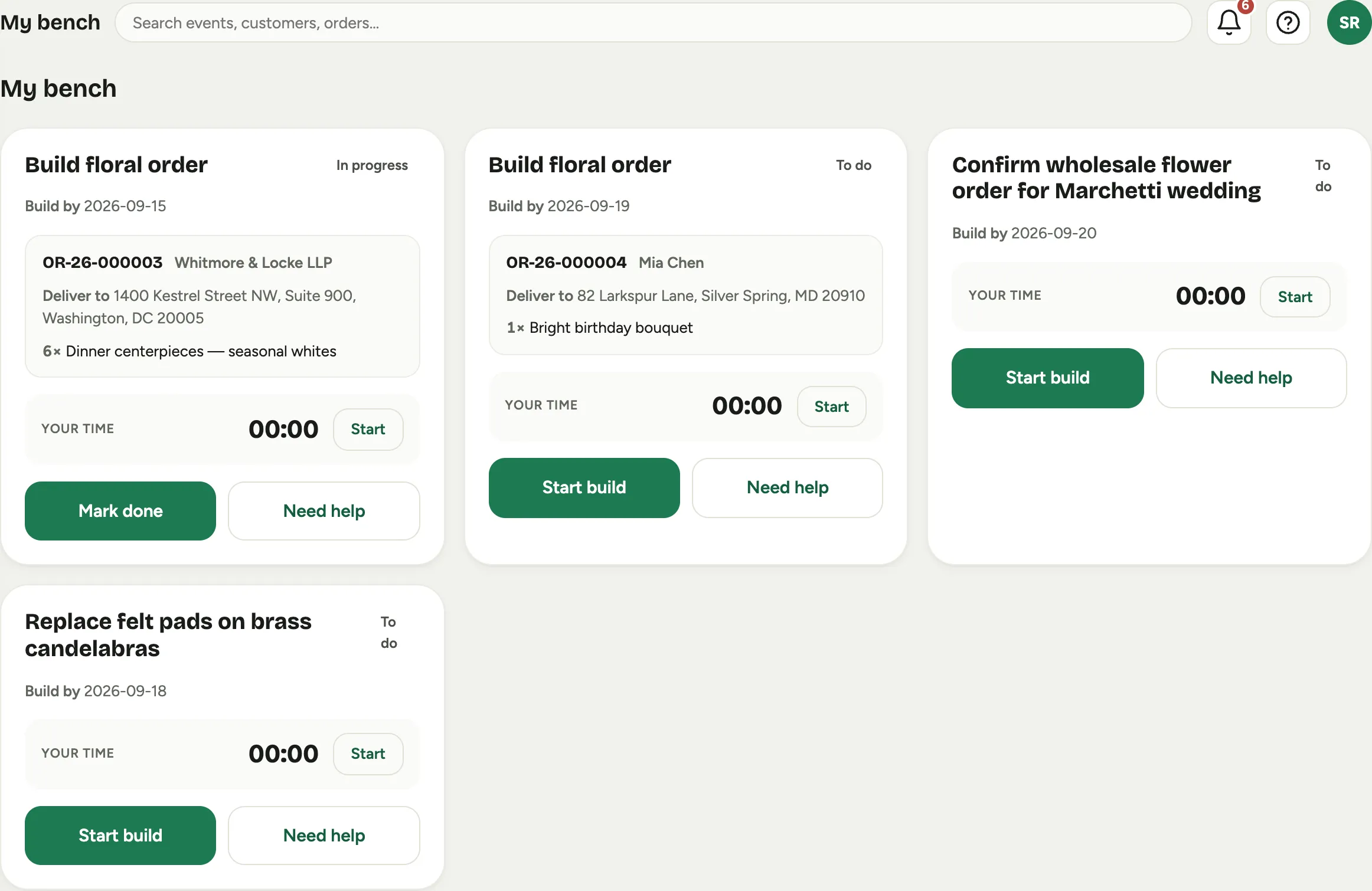
- Open My bench. Your builds sit alongside your other shop tasks, each with Build by and the order it belongs to.
 Screenshot from a demo workspace; data illustrative.
- When you start making it, press Start build. The card flips to In progress, and the order moves to In production at the same moment, so the office can see it without asking.
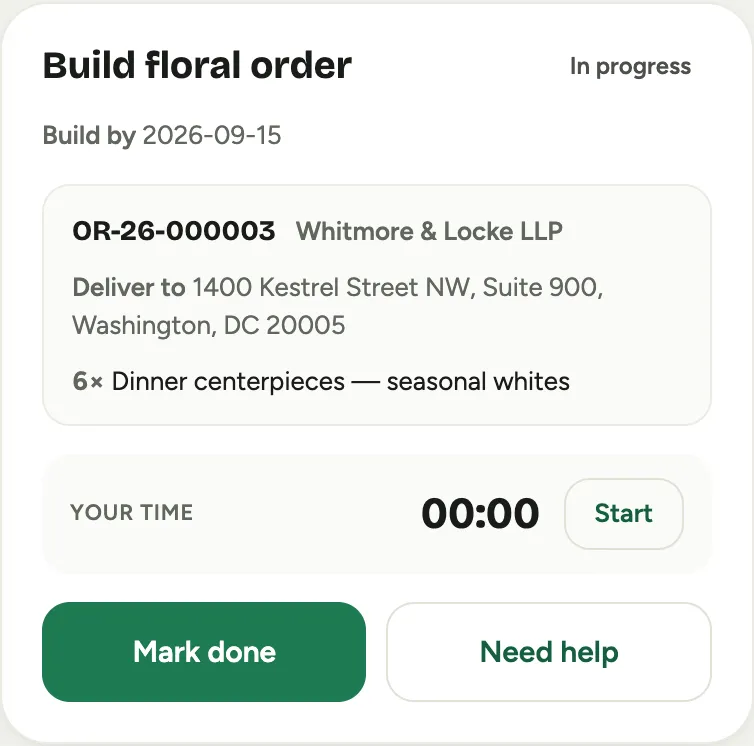
- Use the Your time timer to pace yourself if it helps. It is a stopwatch on the card, not a punch: your paid time is the clock in Time and people.
 Screenshot from a demo workspace; data illustrative.
- If you are stuck, press Need help. The card goes Blocked, which is visible on the queue, so a lead can come to you instead of you hunting for one. Resume picks it back up.
- When the piece is finished, press Mark done. The order moves to Ready, and the delivery side of the job takes over.
Good to know
- The status is the handoff. You never update an order and a task separately. Starting a build moves the order to In production, and finishing it moves the order to Ready, which is why it matters that the buttons get pressed when the work actually happens rather than at the end of the day.
- The queue looks a week ahead. Cards are sorted by the date each order is needed, and by default only the next seven days show. An order with no date is always shown, pinned at the top under Needs a date, because that is usually the one needing attention. Show everything shows the rest.
- The card message is part of the build. When an order carries one, it rides on the card, so the person writing the card is looking at the same screen as the person making the arrangement.
- A blocked job is a signal, not a failure. Need help exists so the shop can see a problem while there is still time to fix it.
- Photographing the finished piece is in Prove a delivery.